
Connect your ad and offer to Nevian
Connect the ad, landing page and offer with one tracking link, then copy the setup values back to the right places.
What you need
- An active plan and a role that can create tracking links.
- The landing-page URL and the offer or checkout destination.
- The tracking script on pages you control and the correct checkout integration.
Steps
Open Tracking links → New tracking link. Enter Name, choose Ad platform and select the Tracking mode.
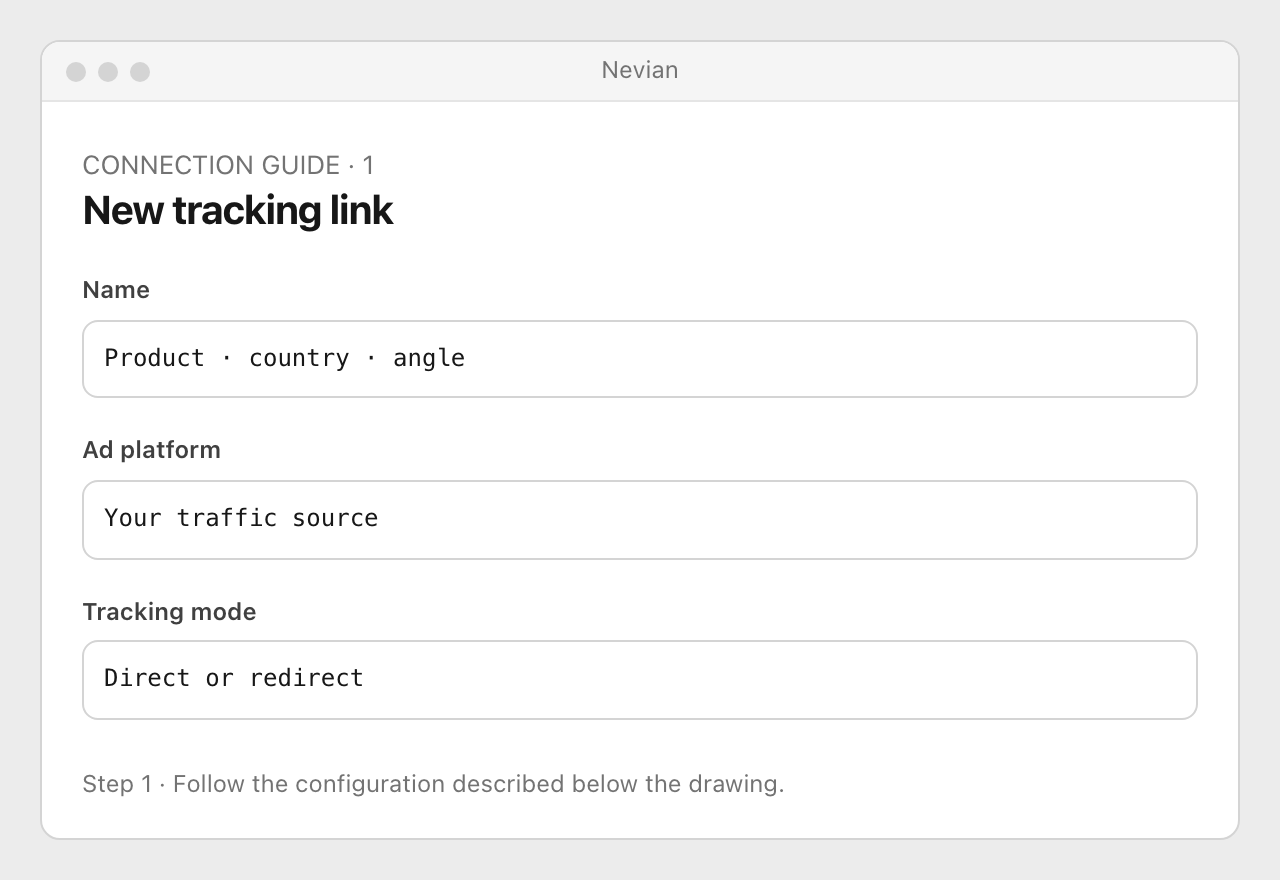
For direct tracking, enter Landing page URL; for a redirect, choose its destination. Add the offer or checkout when needed, then select Create tracking link.
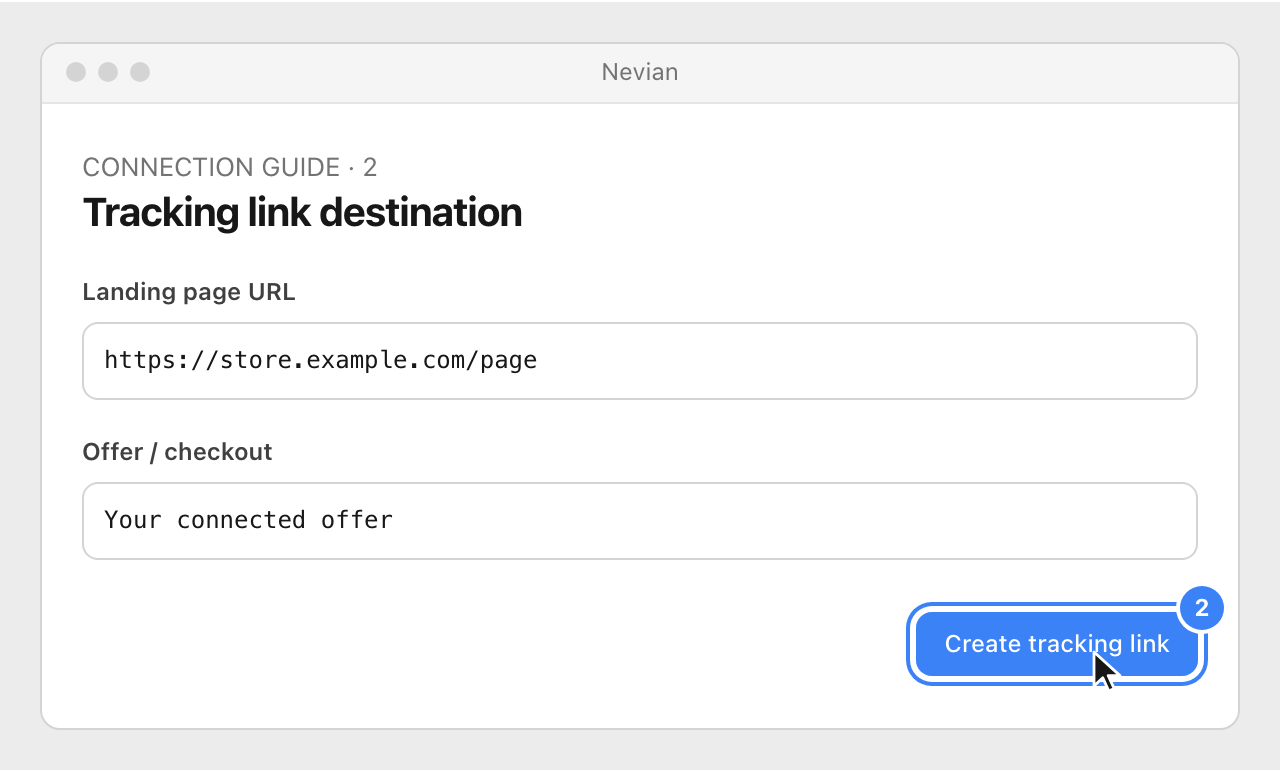
In Setup, copy the generated script and ad parameters for direct tracking, or the redirect link for redirect tracking. Follow the linked ad-platform guide to place the copied value in its exact destination field.
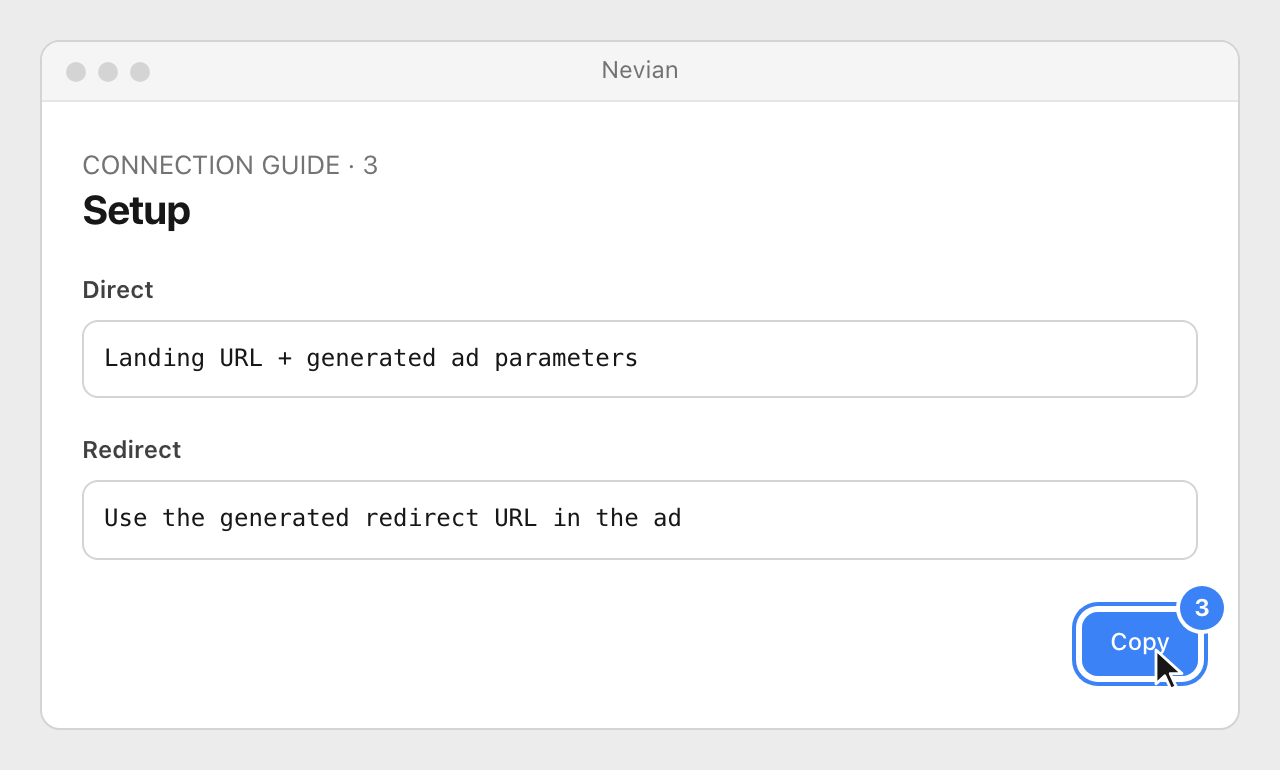
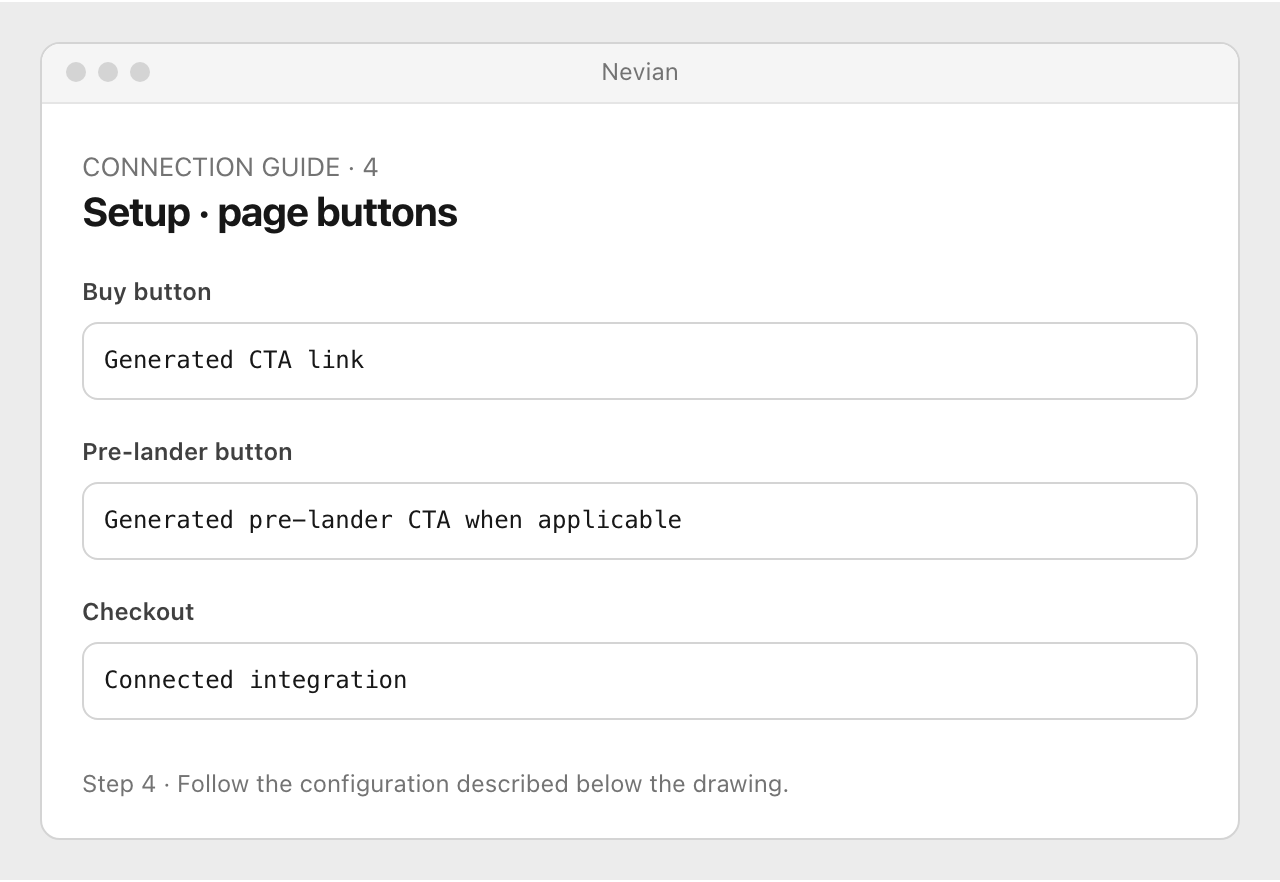
Copy any CTA links from Setup onto the correct page buttons, then complete the checkout’s webhook or postback setup. Open the configured ad link and follow the path through to the offer.
Check that it works
- The visit appears against the tracking link and the button reaches the intended offer.
- Direct tracking does not need a registered Landing pages row when the destination page already carries the script. A redirect link must remain active.
Problems
No visit appears
Check the generated script, workspace key and final ad URL. Confirm the browser is not using a cached page without the script.
The buy button opens the wrong destination
Use the CTA link generated for this funnel step and offer position, especially on listicles and pre-landers.
Sales are missing
A tracking link records visits; the connected checkout or network must also report conversions.
Still stuck? Write to [email protected].
Images are our own drawings and configuration diagrams, not screenshots. Use the current values from your account; the examples contain no live credentials.