
Connect sticky.io to Nevian
Connect sticky.io so sales and payment changes reach Nevian and can be matched to the visit that brought the buyer.
What you need
- A sticky.io account with permission to configure notifications.
- An active Nevian plan and an owner, admin or member role. Viewers cannot connect integrations.
- Keep the checkout and Nevian tabs open side by side.
Steps
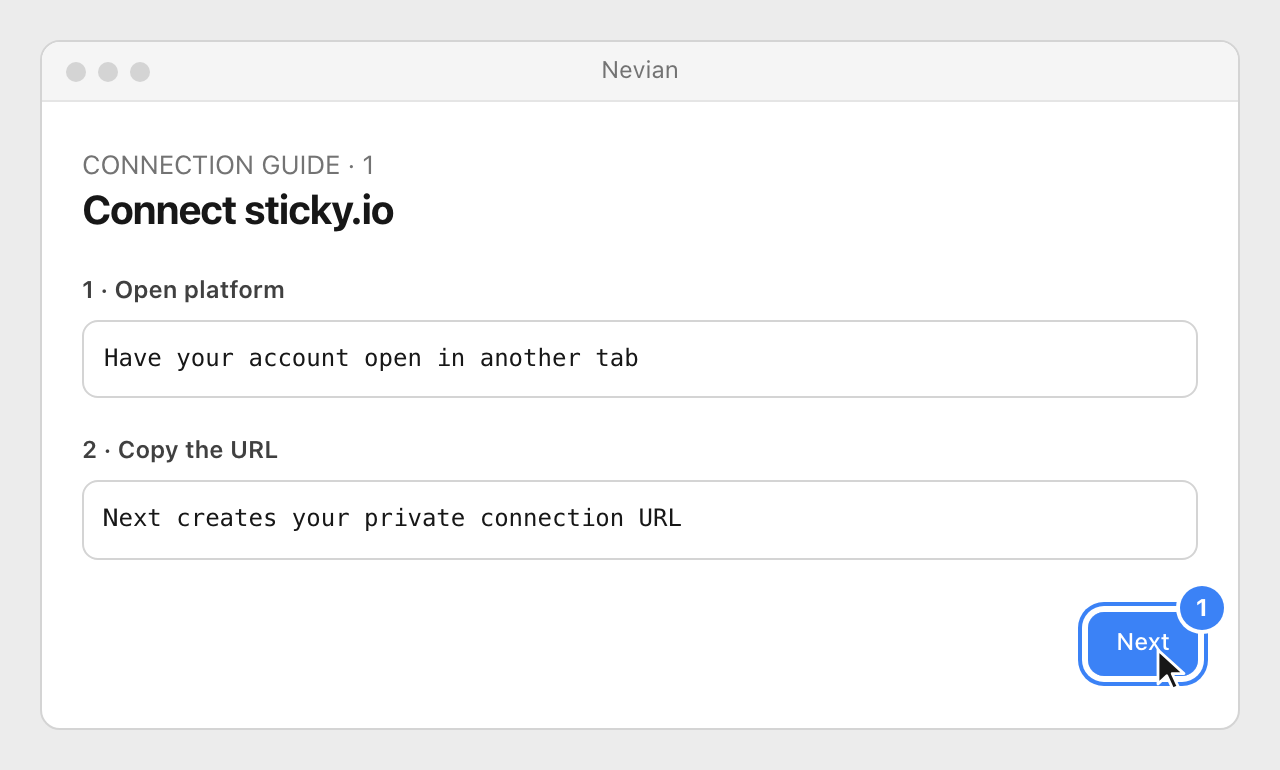
In Nevian, open Integrations → Add integration (Connect provider in an empty workspace), choose sticky.io and click Next with the platform open in another tab.
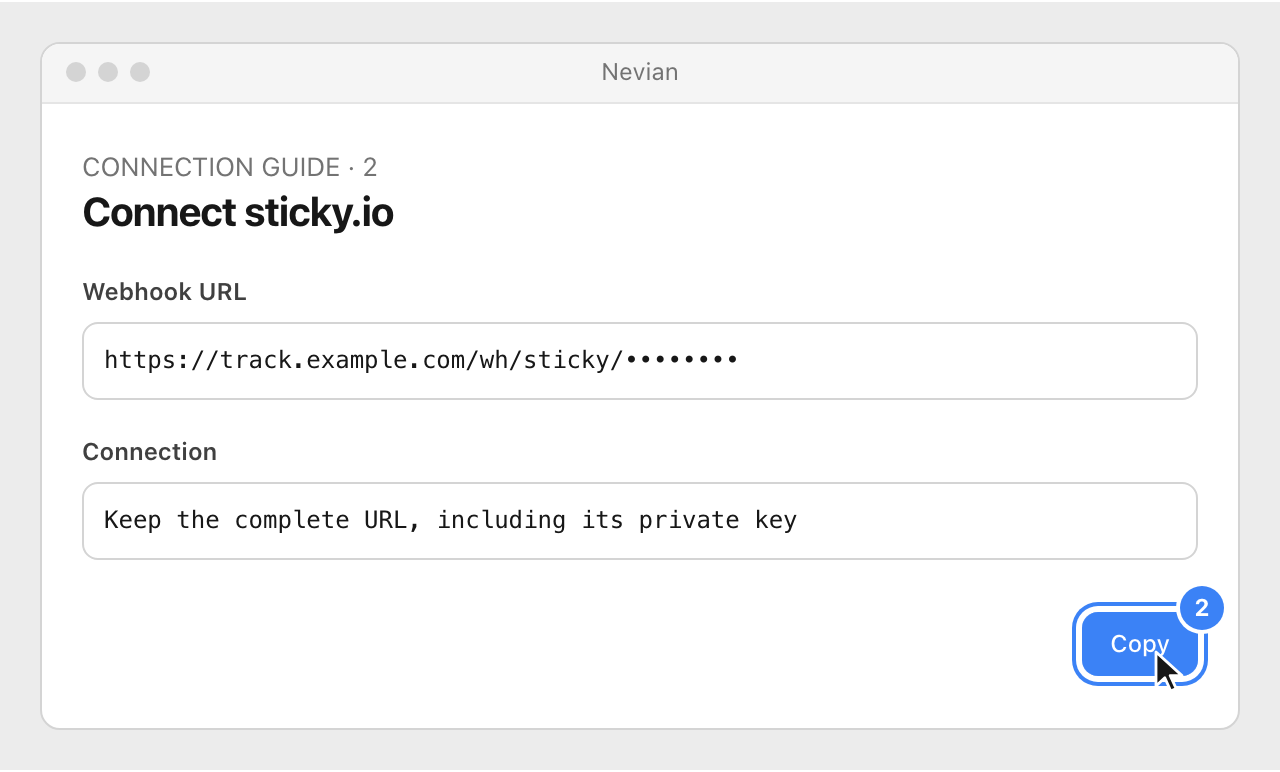
Copy the complete Webhook URL. Keep it private and leave this window open while you configure sticky.io.
In sticky.io, open Settings → Post Backs → Actions → Create. Create an order postback with HTTP Method set to POST.
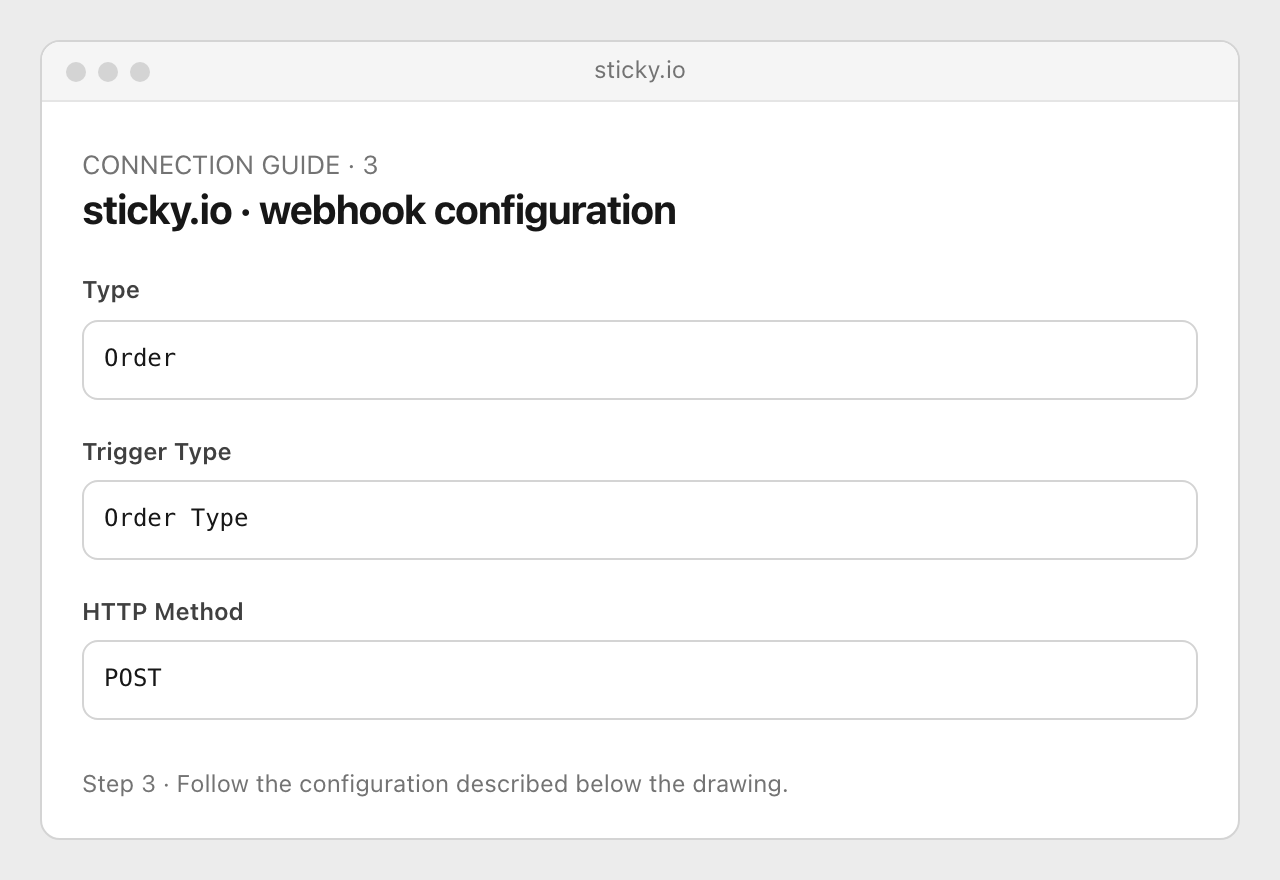
Use the first URL suffix below for initial and subscription orders, approved and declined, with test and non-test payments. Create a second Order Action profile for Refund, Void and Chargeback using the second suffix; assign the intended campaigns or enable Global.
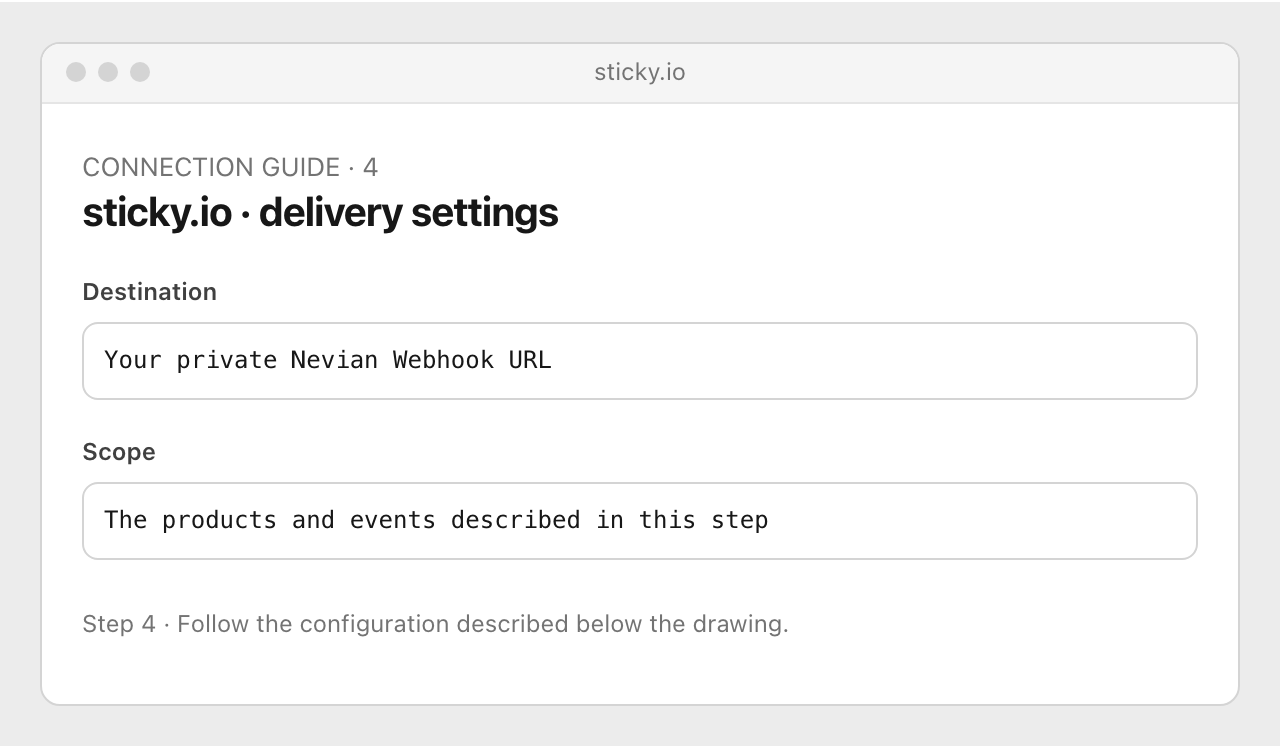
Return to Nevian and click Next to open the connection test.
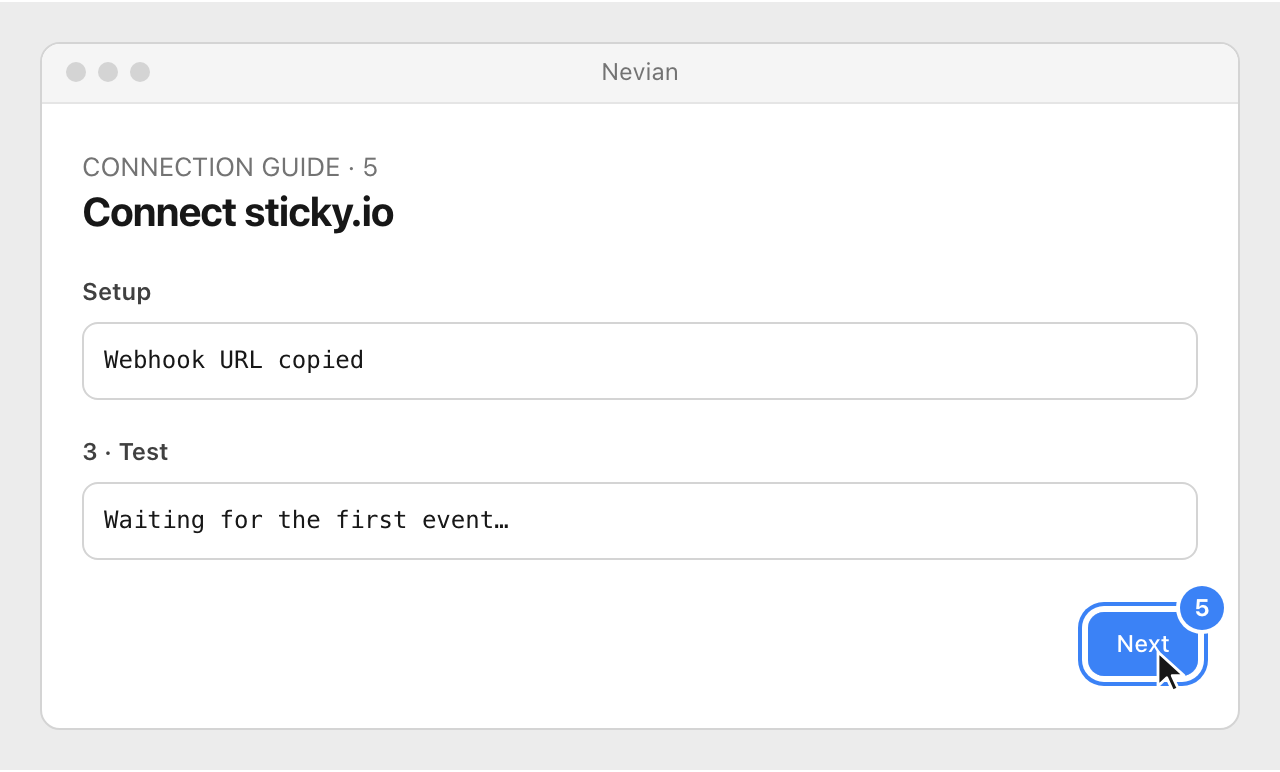
Send a test-card order with test payments included in the postback scope. The
is_test_cctoken marks it as a test; do not remove that token. Back in Nevian, look for Connected, then click Done.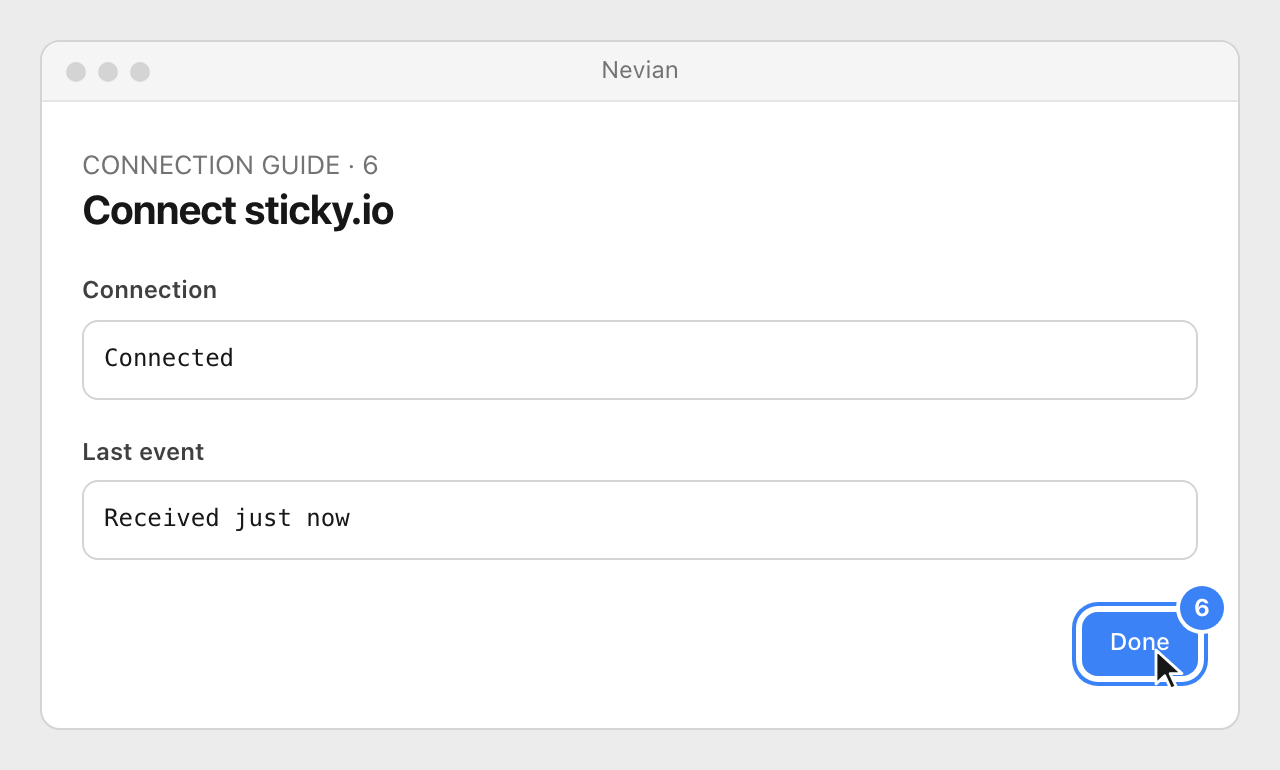
Append these suffixes to your private Webhook URL. Keep the token names unchanged; if you configured an extra token, append &token= plus that token to both URLs.
Orders
?event=order&order_id={order_id}&order_status={order_status}&order_total={order_total}¤cy={currency_code}&click_id={click_id}&c1={c1}&email={email}&product_ids={product_id_csv}&product_names={product_names_csv}&rebill_depth={rebill_depth}&parent_order_id={parent_order_id}&test={is_test_cc}Actions
?event=action&order_id={order_id}&order_total={order_total}&refund_amount={void_refund_amount}&chargeback={ischargeback}&action={post_back_action}¤cy={currency_code}&email={email}&rebill_depth={rebill_depth}&test={is_test_cc}Partial refunds are logged. Subscription charges are tracked without MRR. VIEW TOKENS / BUILD URL can help compose a URL; preserve the Nevian parameter names shown here.
Check that it works
- Open Logs → Webhooks and confirm the provider, order ID, event and result. A delivered webhook can be logged without creating a sale when the event is informational.
- Pass the visit ID in the order request’s
click_id, or addC1={btk}to the webform link from a page with the Nevian script. sticky.io runs on your own domain, so automatic checkout decoration does not apply.
Problems
Waiting for the first event…
Check the complete URL, event subscriptions and product scope. If you rotated the integration key, replace the URL in the provider too.
The call was rejected
Read the reason in Logs → Webhooks. Check the secret when one is configured, then resend the original event after fixing the configuration.
No matching click
Check the click ID instructions above on a real ad visit. A provider test usually has no ad click; that alone does not mean delivery failed.
Still stuck? Write to [email protected].
Images are our own drawings and configuration diagrams, not screenshots. Use the current values from your account; the examples contain no live credentials.