
Connect server checkout exits to Nevian
Report a checkout redirect from your own server so a later payment can find the visit even when the browser cannot report the exit.
What you need
- Owner or admin access in Nevian and an active plan.
- A checkout redirect you control on a server, plus permission to store its server secret.
- The Nevian script on the page before the redirect.
Steps
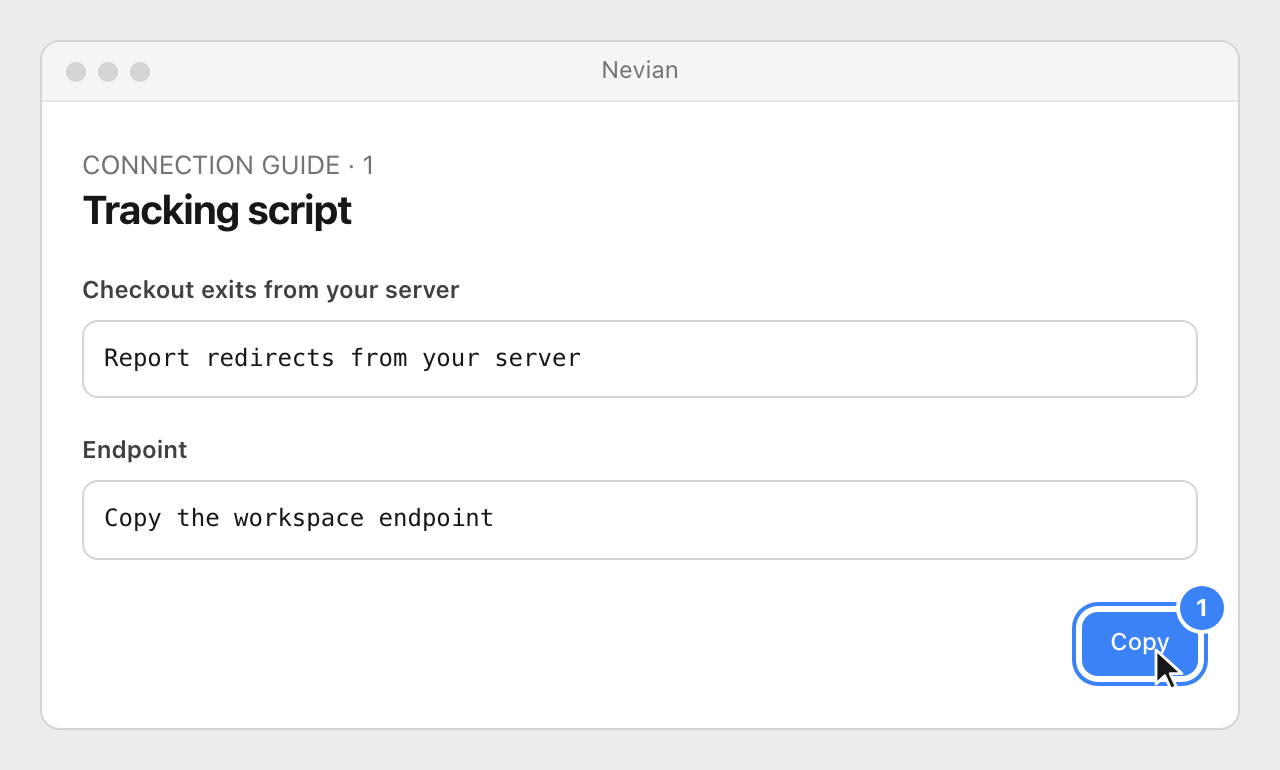
Open Tools → Tracking script and find Checkout exits from your server. Copy Endpoint from this workspace.
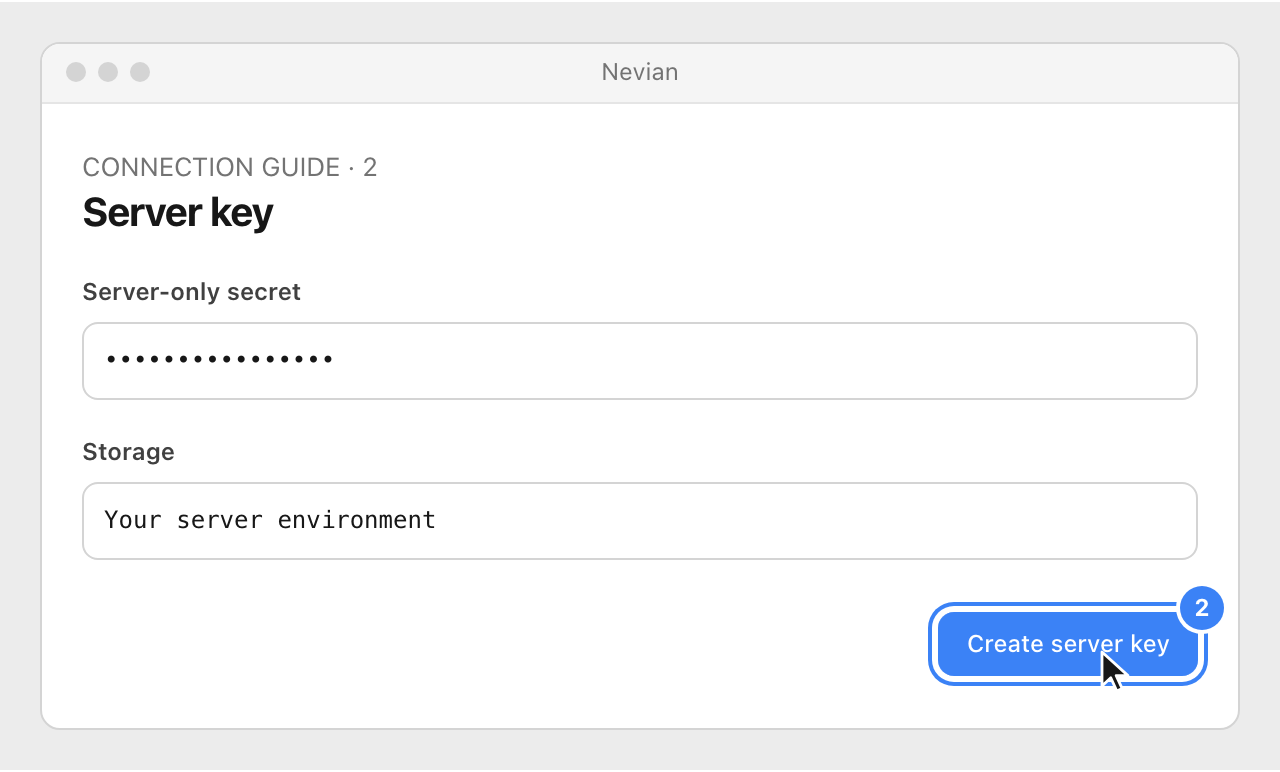
Select Create server key and store the revealed value as a secret on your server. Never put it in HTML, browser JavaScript, a public repository or a URL.
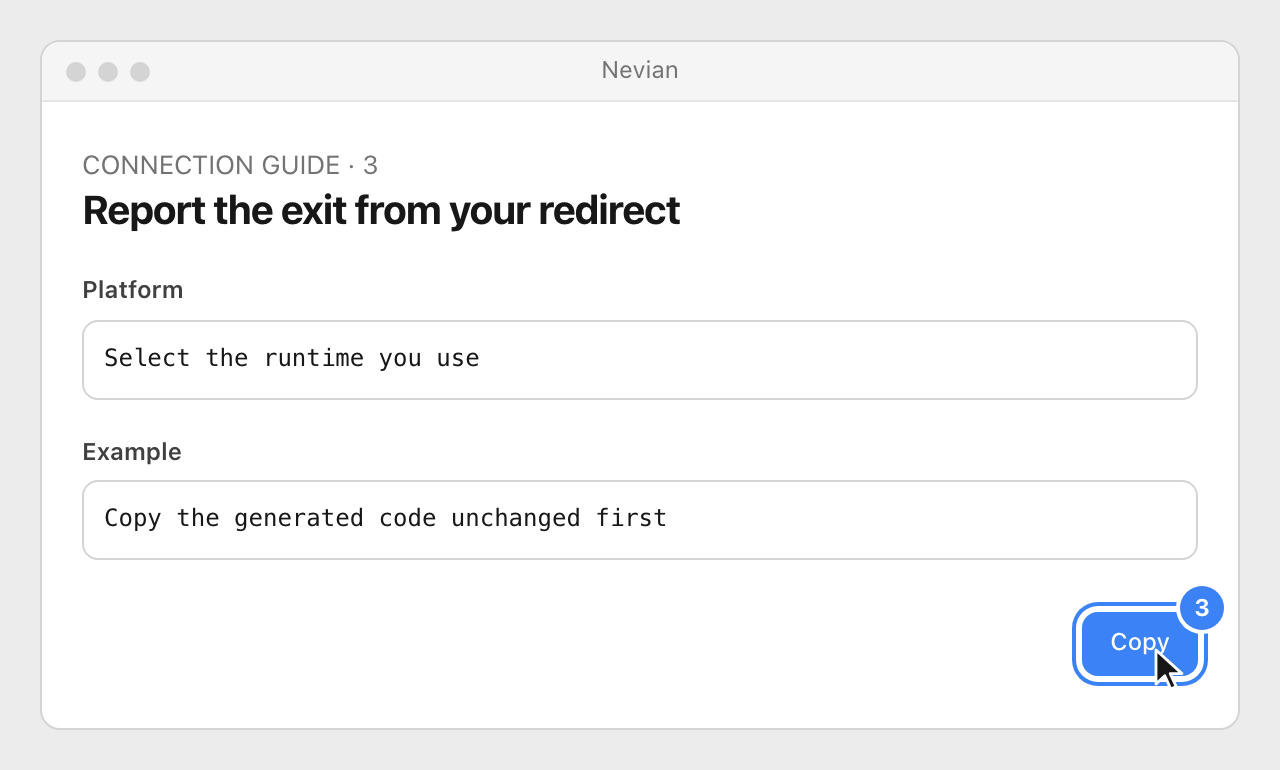
Under Report the exit from your redirect, choose your server platform and copy the generated example. Keep the redirect fast: send the exit in the background, using the visit ID and the checkout destination.
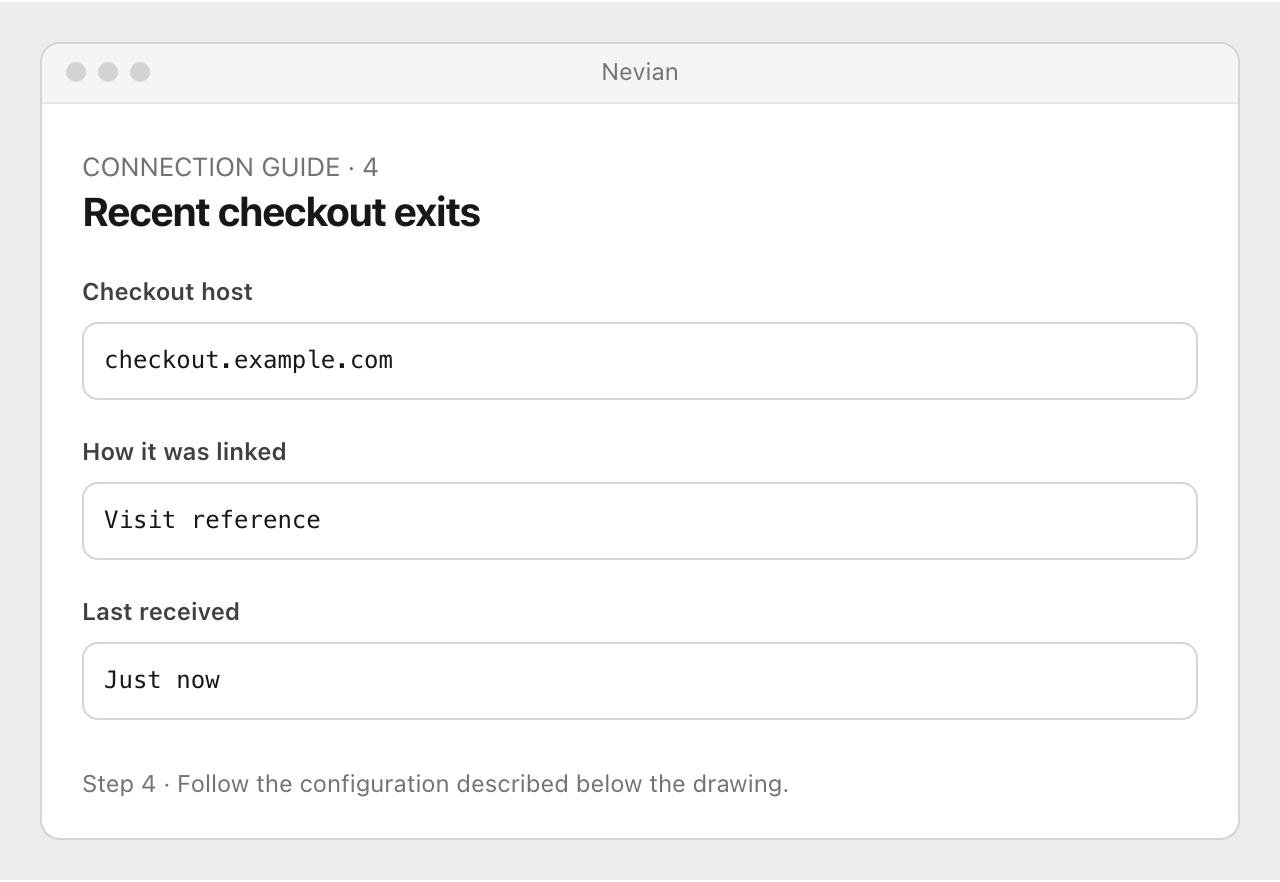
Open a tracked page, follow its buy button through your redirect and return to the recent exits on this card. Confirm the checkout host and How it was linked.
Check that it works
- One redirect creates one recorded checkout exit, and the customer still reaches the checkout promptly.
- Then verify the actual provider sale against the same visit. An exit records intent to enter checkout; it is not a purchase.
Problems
No exits received
Check the copied endpoint, server secret and outgoing HTTPS request. Browser-only code cannot safely use the server key.
The previous key is still in use
After rotation, update your server secret before the previous key’s 24-hour grace period expires.
A key was exposed
Revoke it and create a new server key, then update the server secret. Revocation may take up to a minute to take effect.
Still stuck? Write to [email protected].
Images are our own drawings and configuration diagrams, not screenshots. Use the current values from your account; the examples contain no live credentials.