
Connect your affiliate postback to Nevian
Build a server-to-server conversion URL with your affiliate network’s macros, an order ID and the correct integration token.
What you need
- A network that can send a server postback and return the click ID passed into its offer link.
- An active plan and permission to configure conversion tracking.
- The network’s official macro reference for click ID, payout, currency, status and order ID.
Steps
Open Tools → Conversion tracking and find Postback URL builder. Select the integration that should receive this network’s conversions.
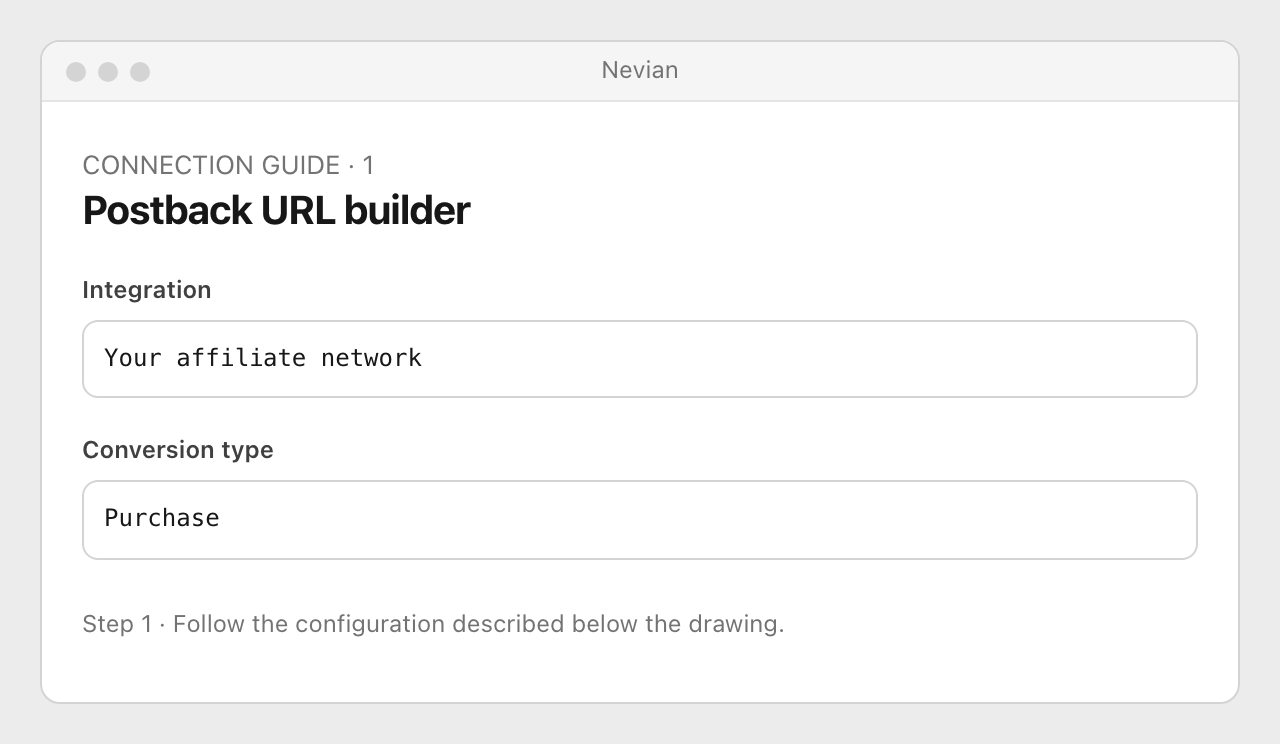
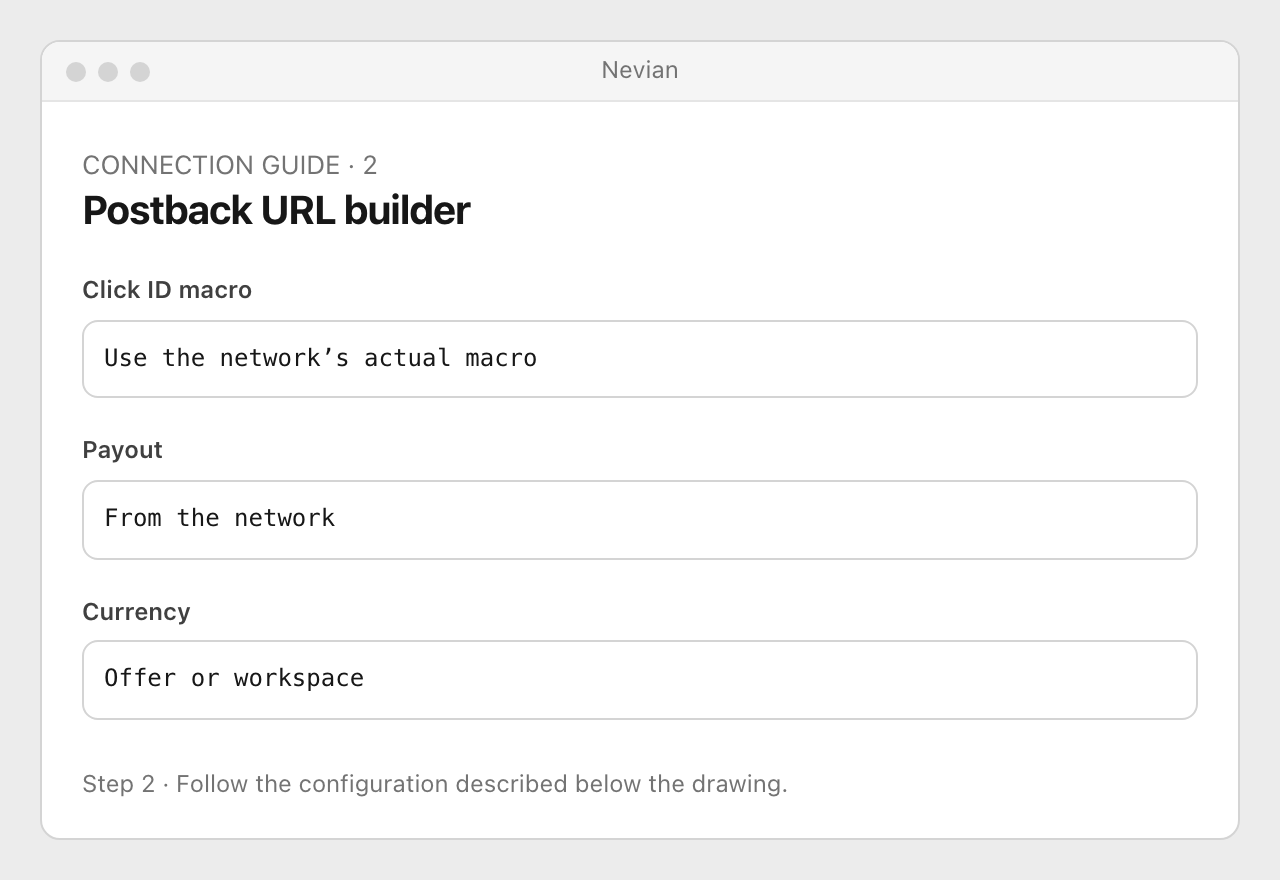
Enter the network’s Click ID macro, choose Payout and Currency, and map the status when the network provides one. Copy macros from that network’s documentation, including their delimiters.
Enable Send the order ID and enter its transaction macro. Copy the generated URL, including
ptoken, into the network’s server postback destination; use its own connection guide for the exact menu path.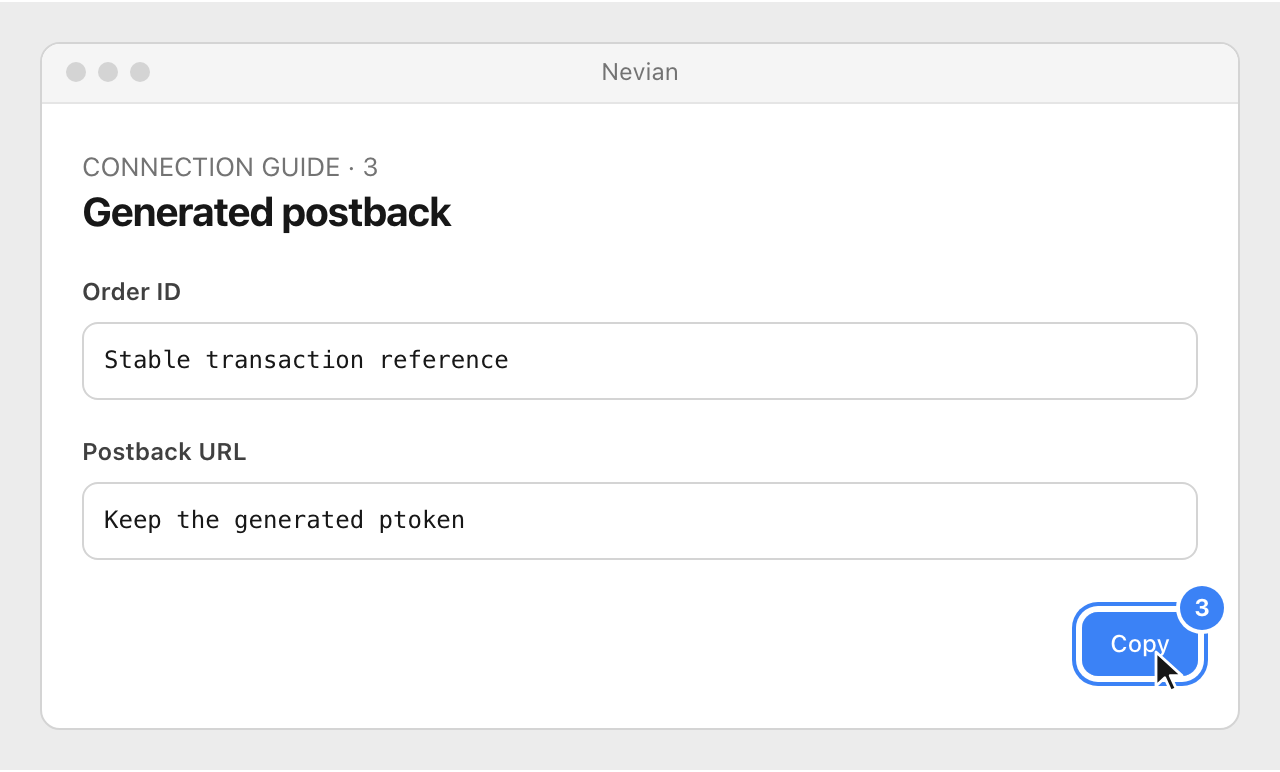
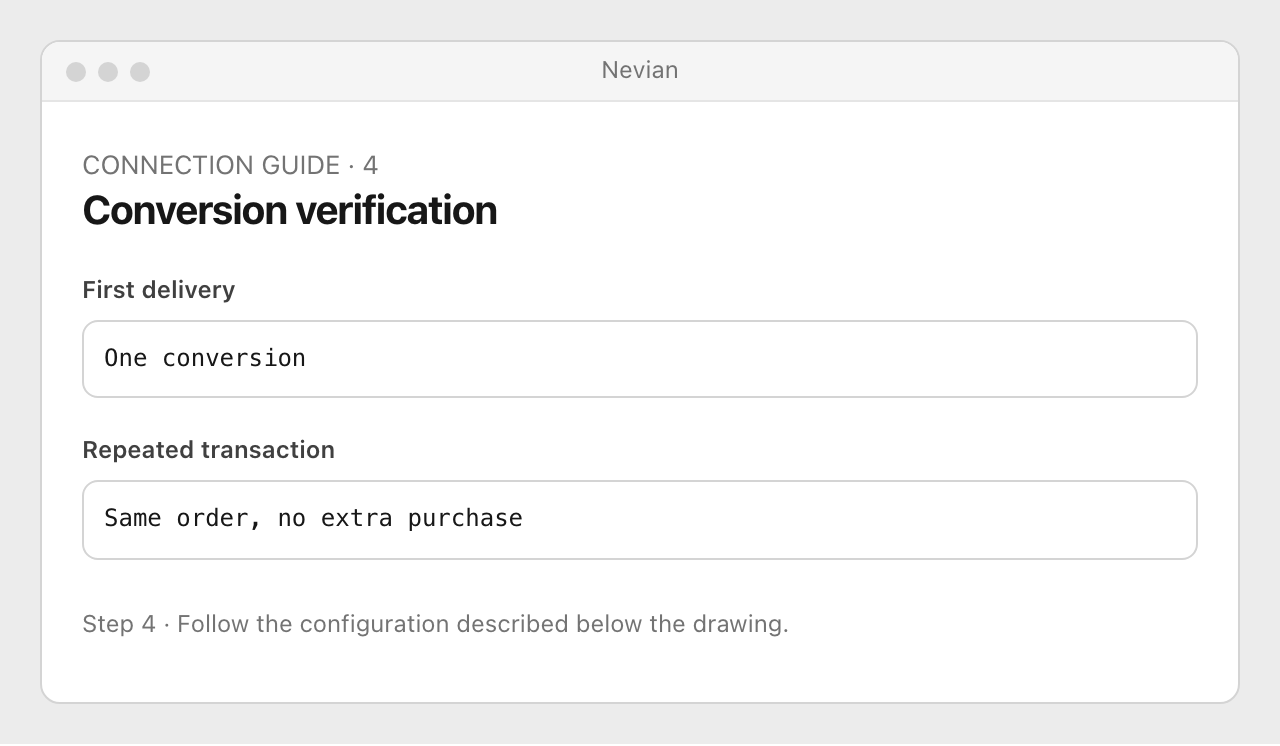
Send a controlled conversion and inspect Logs → Conversions. Resend the same transaction ID and confirm that it updates the original conversion rather than adding another purchase.
On-page conversion snippet
The same Conversion tracking page offers an on-page snippet. Use it only for a conversion you own and can identify with a stable order reference; for a checkout that already reports the payment, follow its connection guide so the browser signal and webhook reconcile to the same order. Never put your postback token in browser code.
Check that it works
- The sale has the expected click, integration, status, currency and payout.
- Never remove the source token or enable tokenless acceptance merely to make a rejected test pass.
Problems
Unauthorized postback
Copy the latest URL from the correct integration and preserve ptoken. Rotating the source key requires updating the URL at the network.
No matching click
Check that the offer URL passed the actual visitor ID and that the postback returns that same ID, not a network-generated click reference.
Duplicate sales
Send a stable order ID for retries. If a thank-you page and a server webhook both announce the same sale, follow their shared order/proof setup instead of creating independent purchases.
Still stuck? Write to [email protected].
Images are our own drawings and configuration diagrams, not screenshots. Use the current values from your account; the examples contain no live credentials.