
Connect your offers to Nevian
Save the checkout or affiliate destination that a tracking link sends buyers to, together with the integration that reports its sales.
What you need
- The real checkout or affiliate offer URL.
- A connected checkout or affiliate network, an active plan and permission to add offers.
Steps
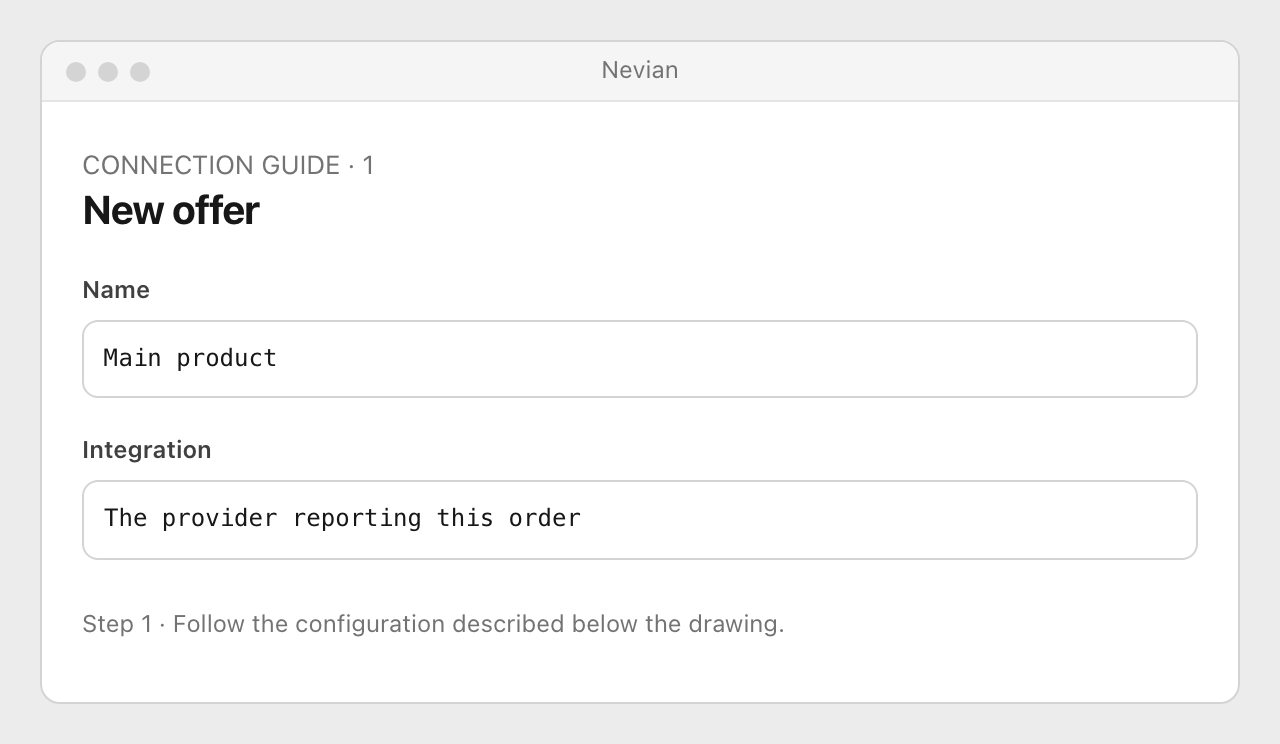
Open Offers and add an offer. In New offer, enter its Name and choose the matching Integration.
Paste Offer URL. Use
{clickid}only in the parameter prescribed by your network’s connection guide; Nevian replaces it when redirecting a visitor.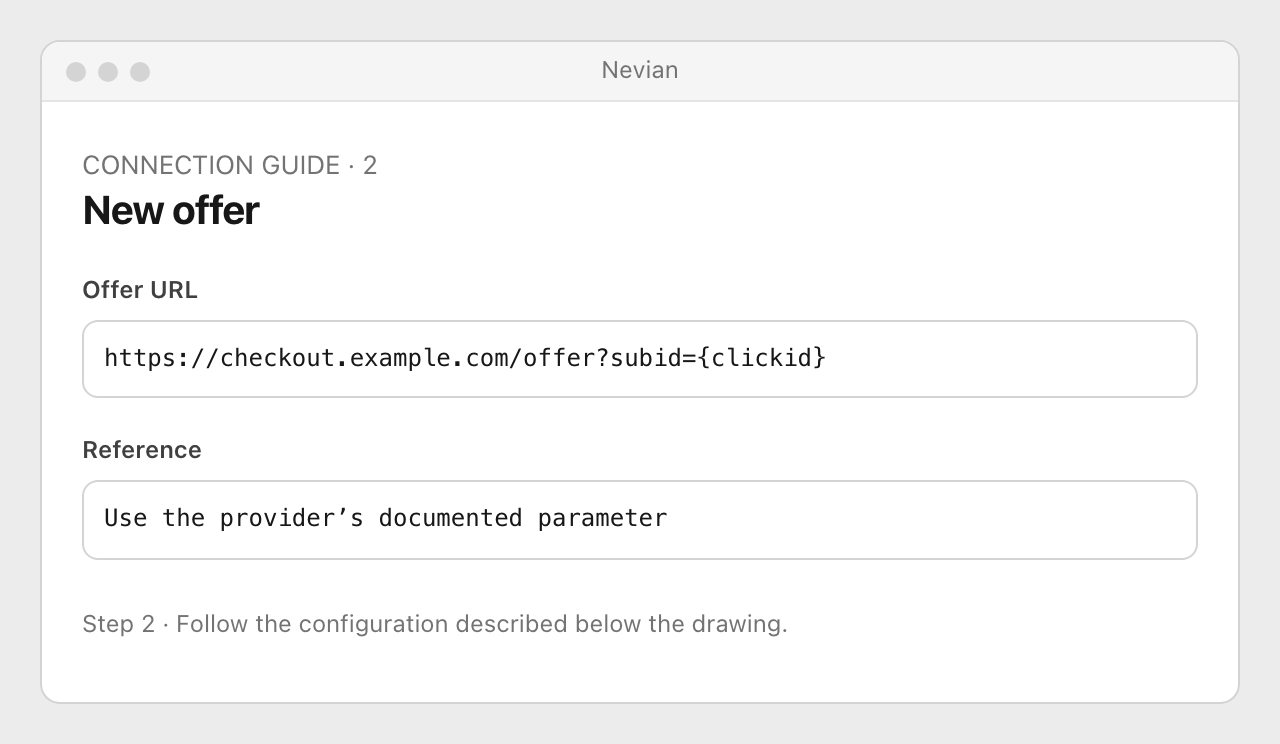
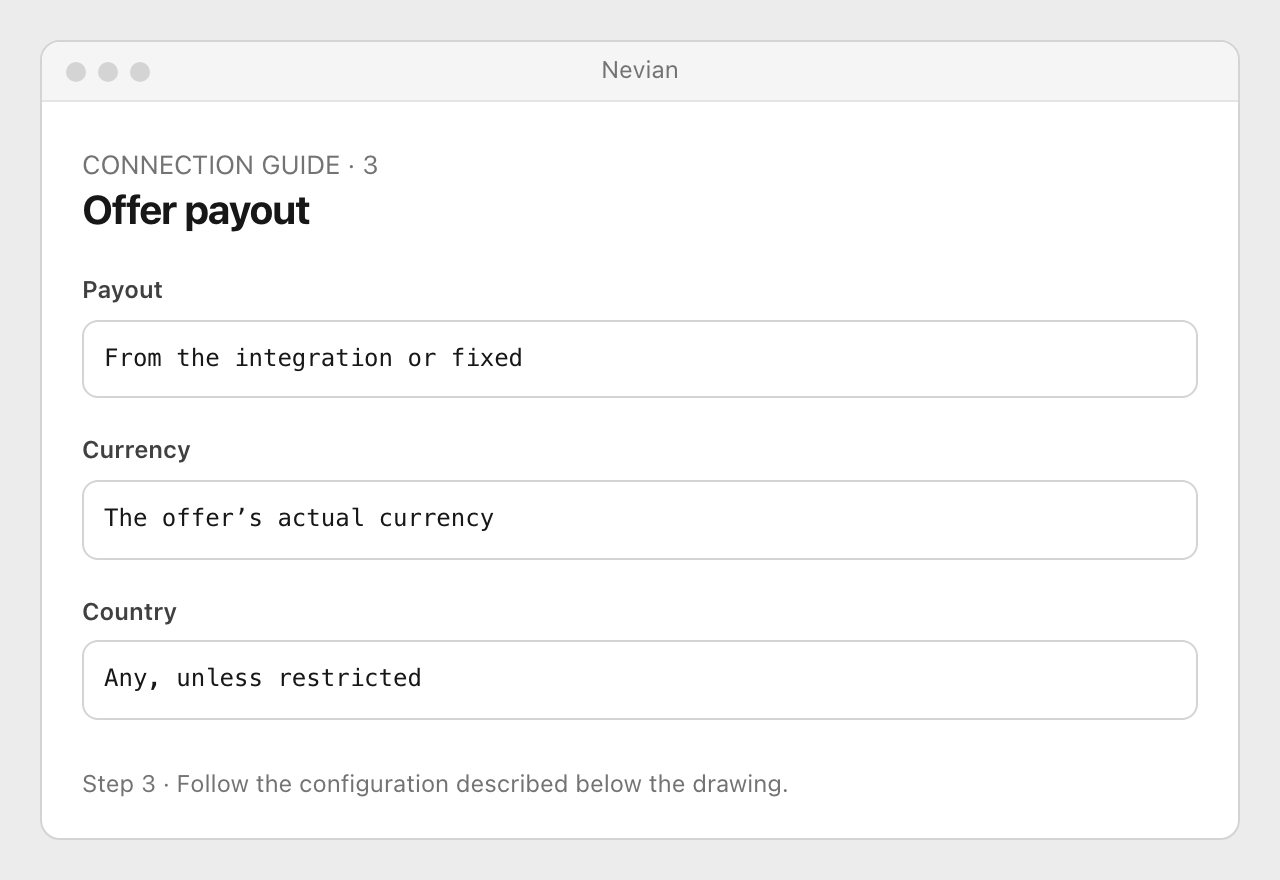
Choose Payout from the integration or a fixed Amount per sale, set Currency and any Country restriction, then save the offer.
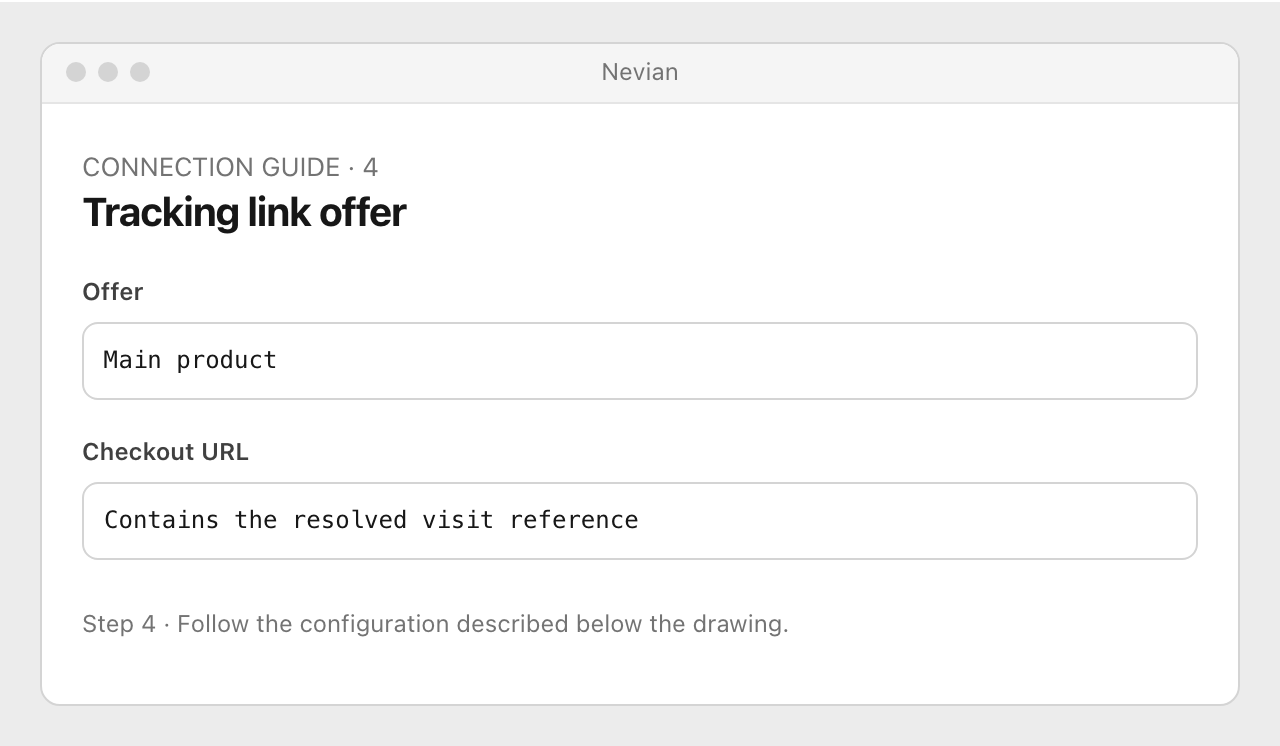
Select the offer in your tracking link and open that link as a visitor. Check the resolved checkout URL and then verify the provider’s conversion against the same visit.
Check that it works
- The offer points to the intended product and its integration receives the order.
- The offer URL’s macros are expanded on redirect. A manually opened raw offer URL may still contain its placeholder.
Problems
No integration yet
Use Connect your checkout or network and choose the provider that actually sends the order.
Payout looks wrong
Check fixed versus source payout and currency. Do not use a fixed payout if you expect each order’s actual amount.
No matching click
Preserve the network-specific click parameter. A URL that opens the right product can still lose attribution if its reference is missing.
Still stuck? Write to [email protected].
Images are our own drawings and configuration diagrams, not screenshots. Use the current values from your account; the examples contain no live credentials.